

Home Feng Shui AI Analysis Tool
Day Master x Layout Edition
1
2
3
4
5
6
Floor plan outlineFill levelOrientation & front doorRoom typesDay Master elementRun assessment
Step 1: Mark the floor plan outline
Look at your floor plan (or imagine it), pick the closest template, then tap squares to fine-tune.
Import your floor plan as a reference background (optional).
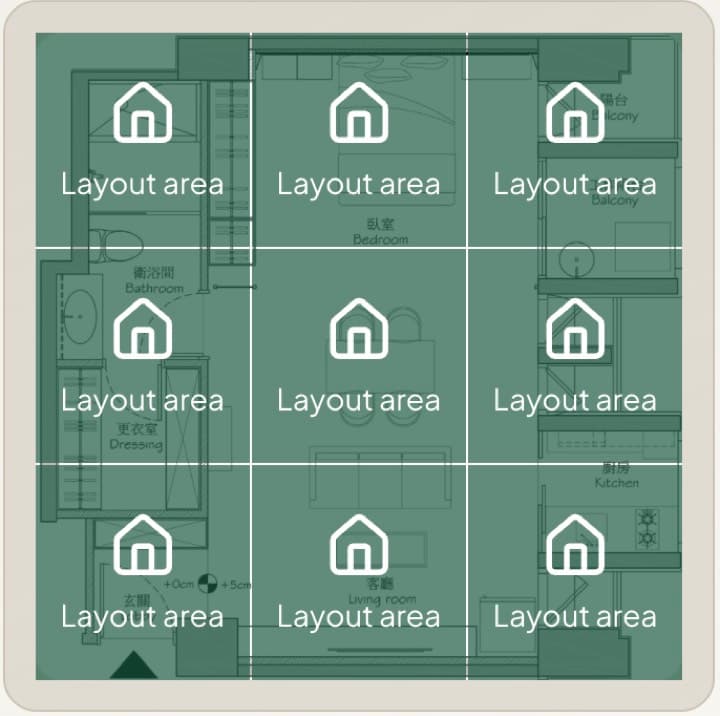
Tap a square to make this zone as "Layout area"
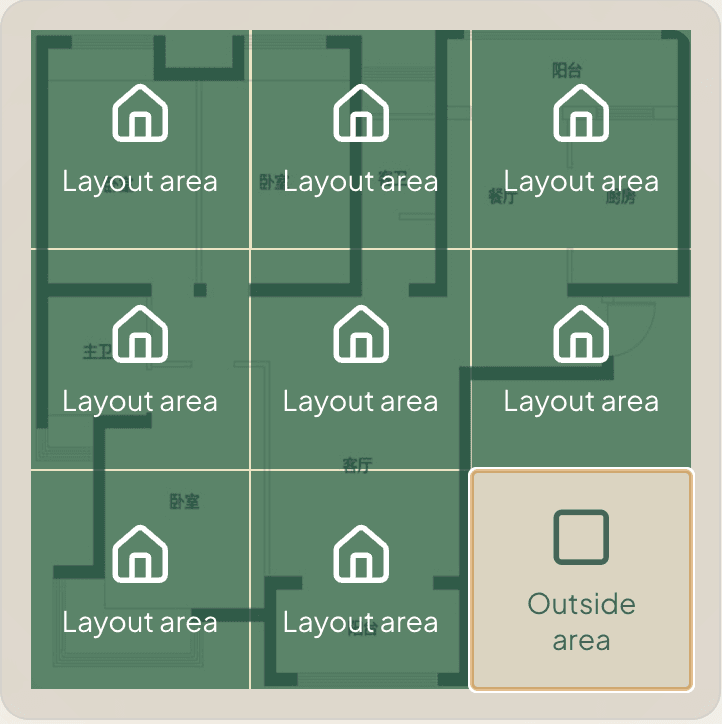
"Layout area" = within your home's floor plan.
"Outside area" = outside of your floor plan (neighbors, elevator, etc.)
Upload a floor plan first to use AI floor plan recognition.
Upload a floor plan first to use AI floor plan recognition.
💡 Here are two examples of how different floor plan shapes can be filled in:
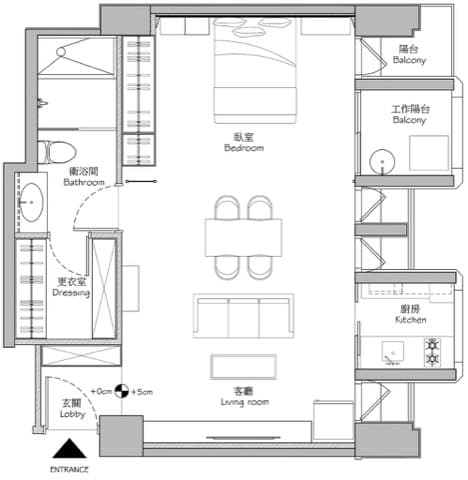
→
✓
✓
✓
✓
✓
✓
✓
✓
✓
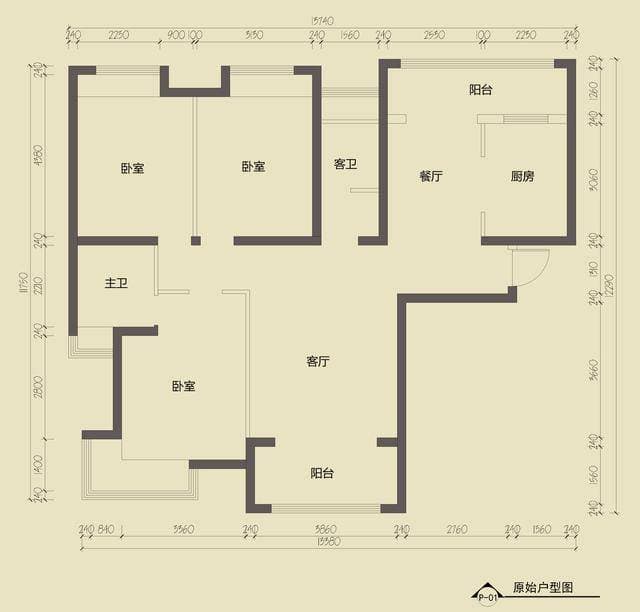
→
✓
✓
✓
✓
✓
✓
✓
✓
Privacy: your floor plan stays local in your browser.