
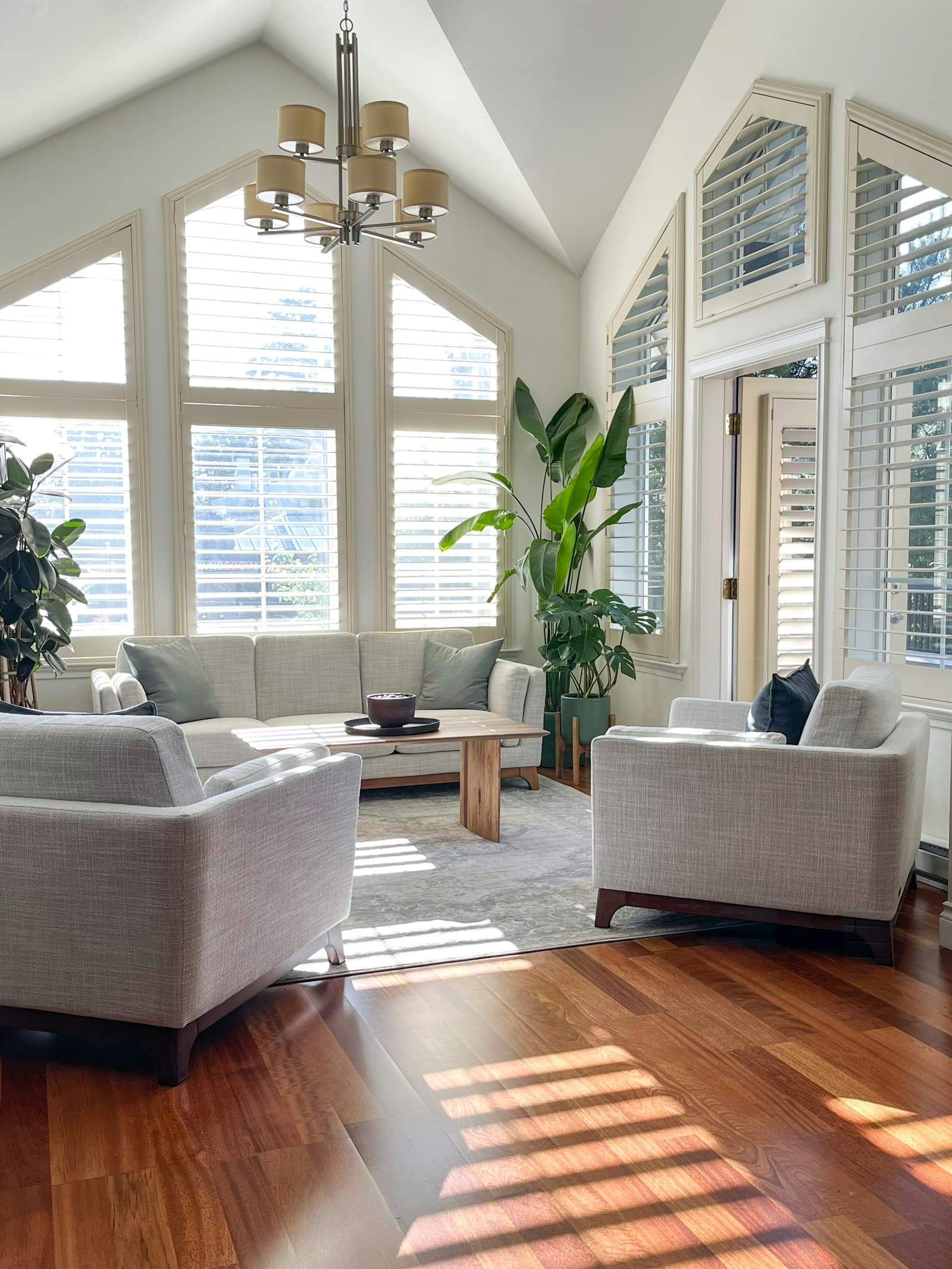
SE missing corner · Plant support
Upload your floor plan or mark it on a 3×3 grid. Review the layout, then get a feng shui assessment of your home.
Easy steps to your first layout analysis.
Upload an image for AI recognition, or choose a template and mark the grid by hand.
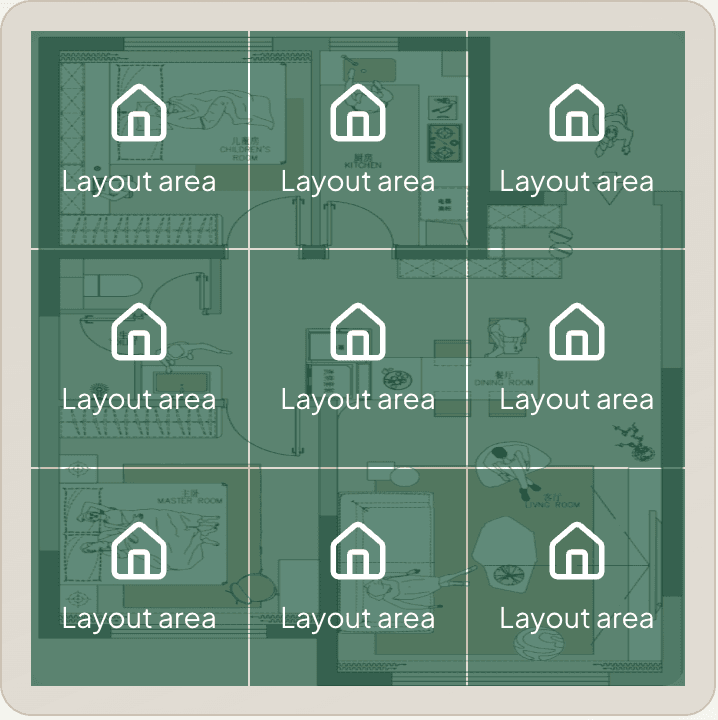
Complete each palace, align the front door and direction, then label the rooms.
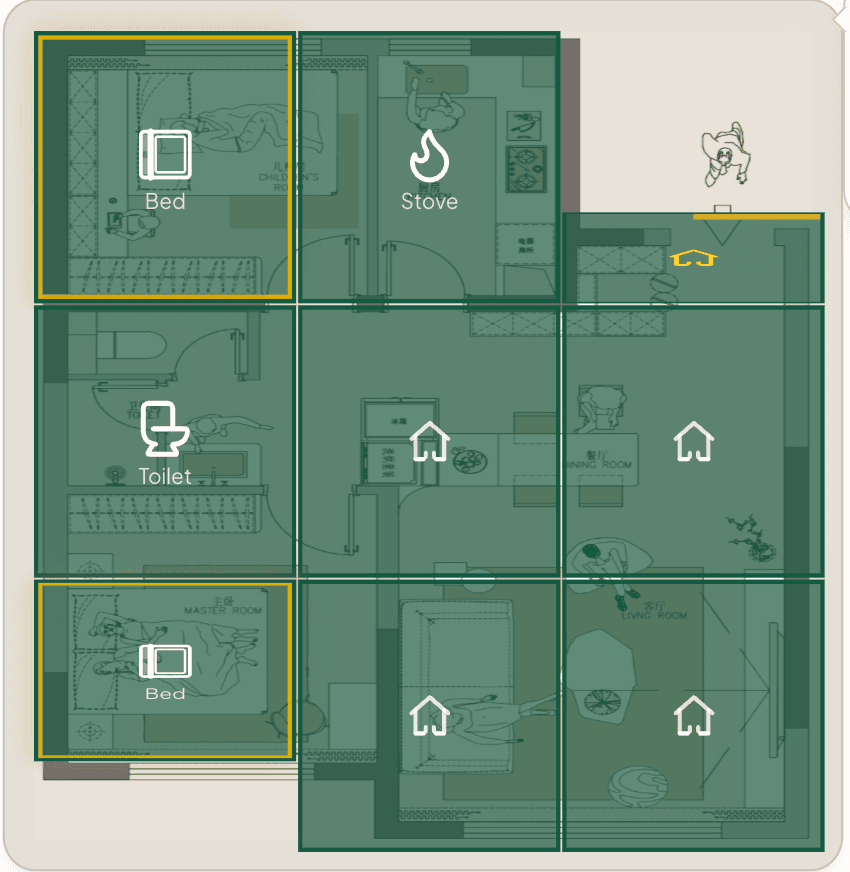
Birth dates let the report include each person's Day Master element. You can generate an Assessment Report without them.
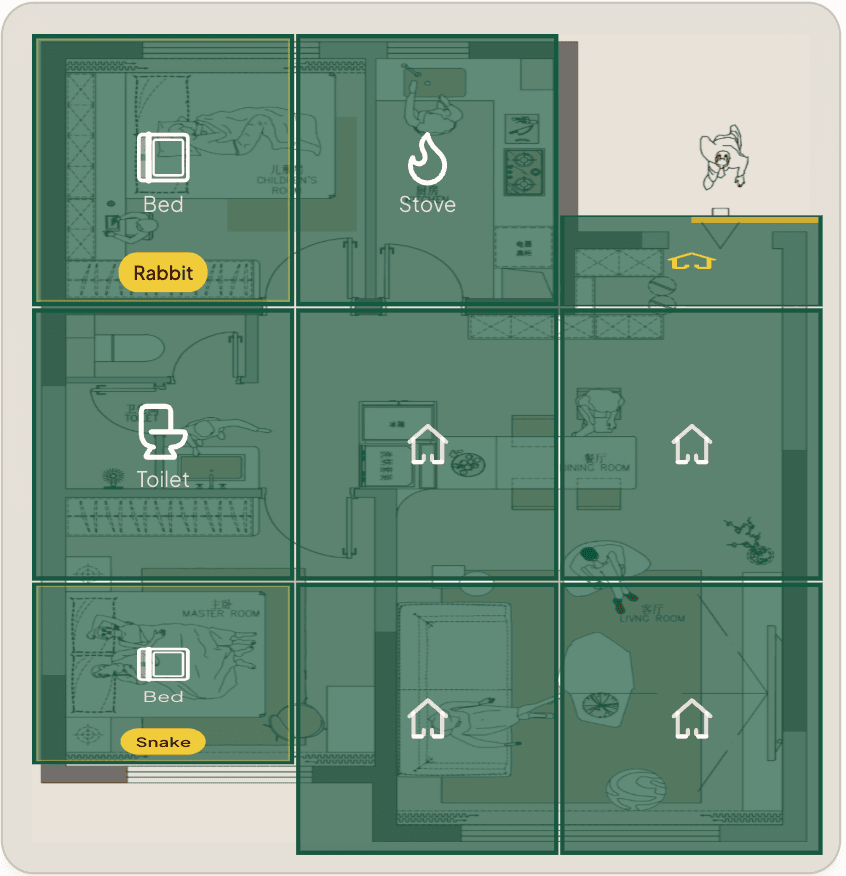
The Assessment Report shows the main issues first. The Remedy Report gives the full remedy plan.
Review the main layout finding, the annual Flying Stars, and how the home relates to each person's Day Master if you add birth dates.
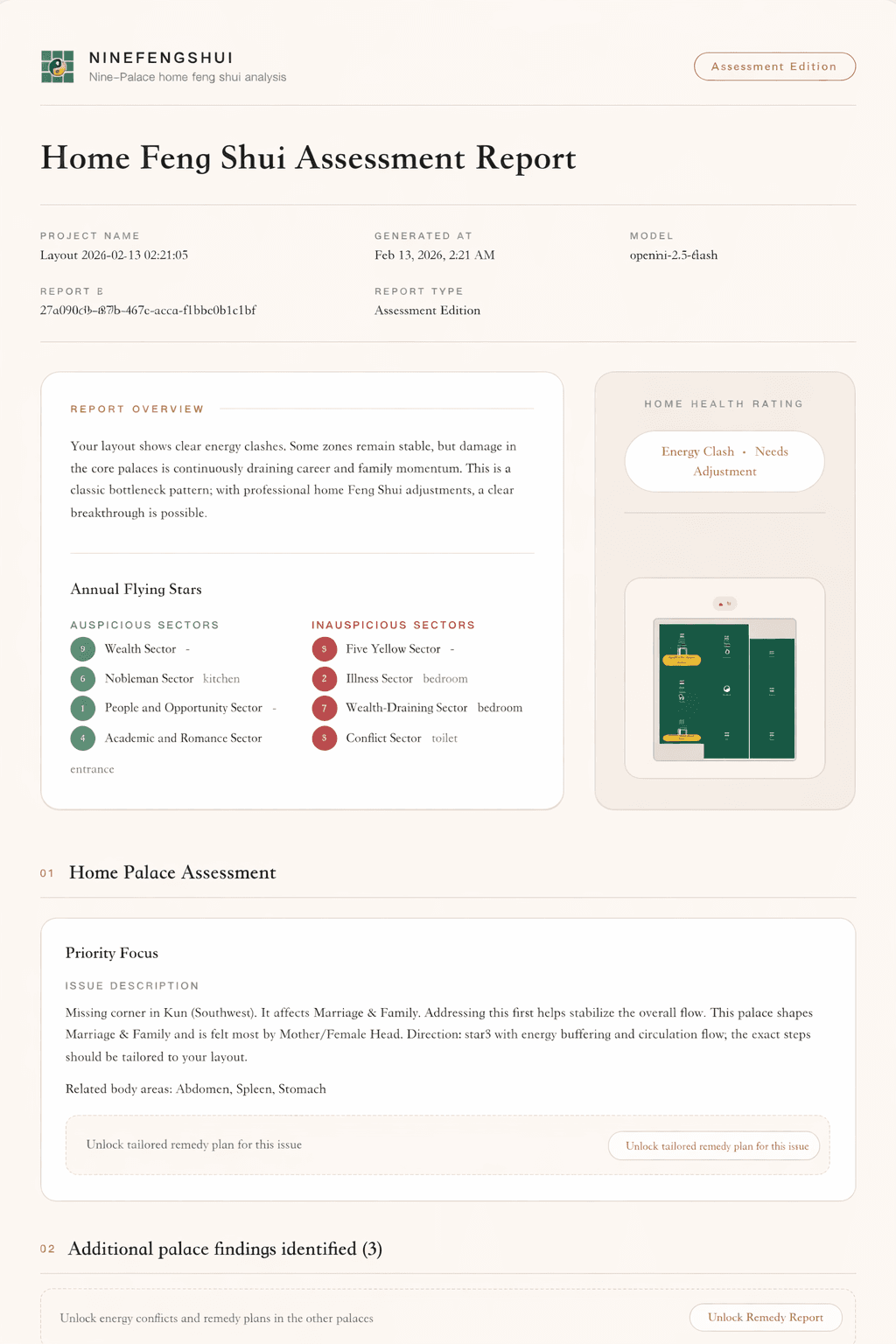
Based on reviewable traditional feng shui rules
Feng Shui Rules first
The system evaluates layout, direction, and timing rules before AI formats the report.
Dynamically rebuilds the 3×3 grid
The algorithm dynamically rebuilds the 3×3 grid from the layout data, reducing false missing-corner and convex-corner judgments.
AI recognizes, you confirm
AI pre-fills the layout, rooms, and entrance. You review the result and adjust direction before the report.
Keep asking about the same report
You can keep asking about the same report to understand why it judged things this way and how each adjustment is meant to work.
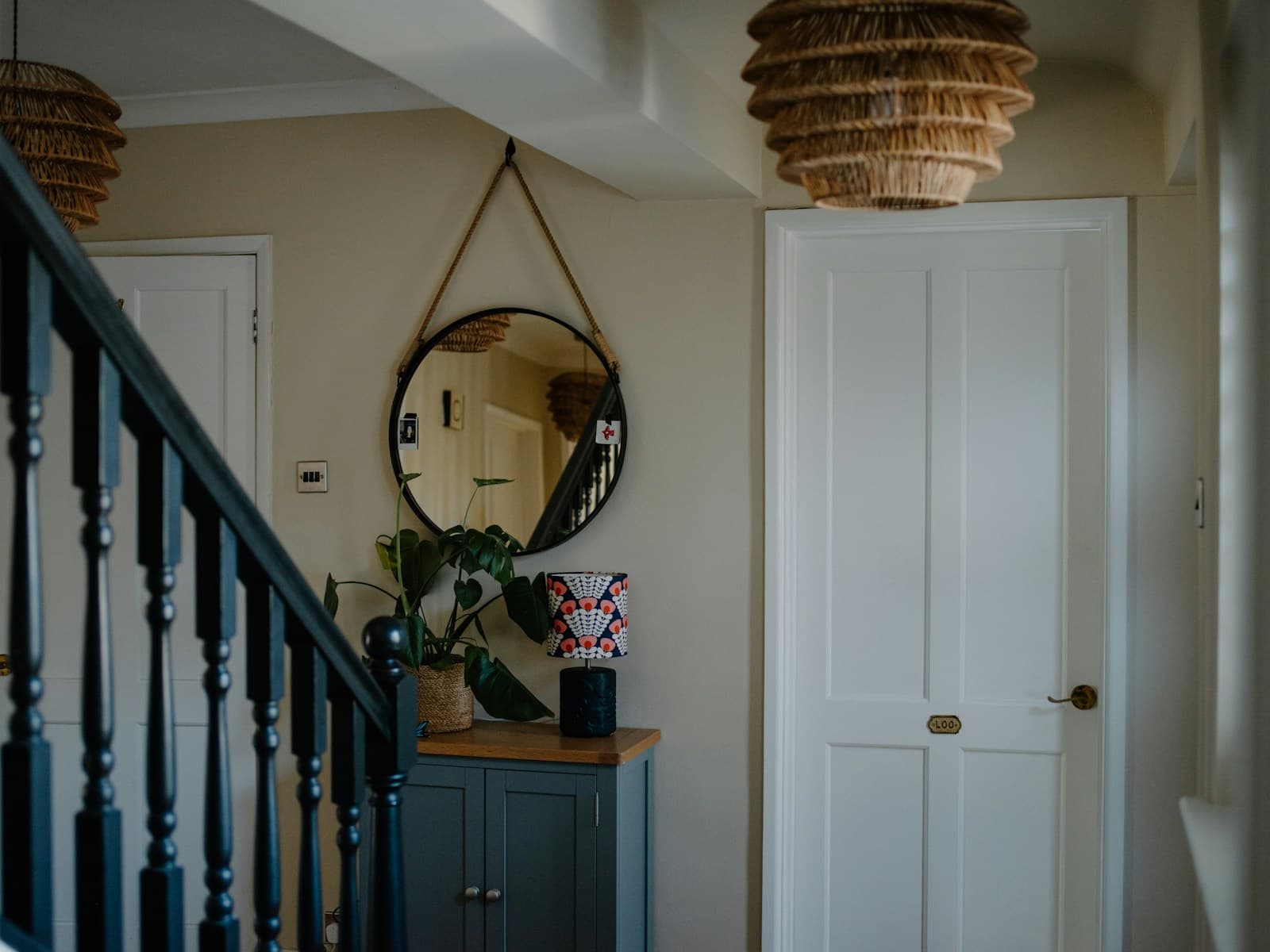
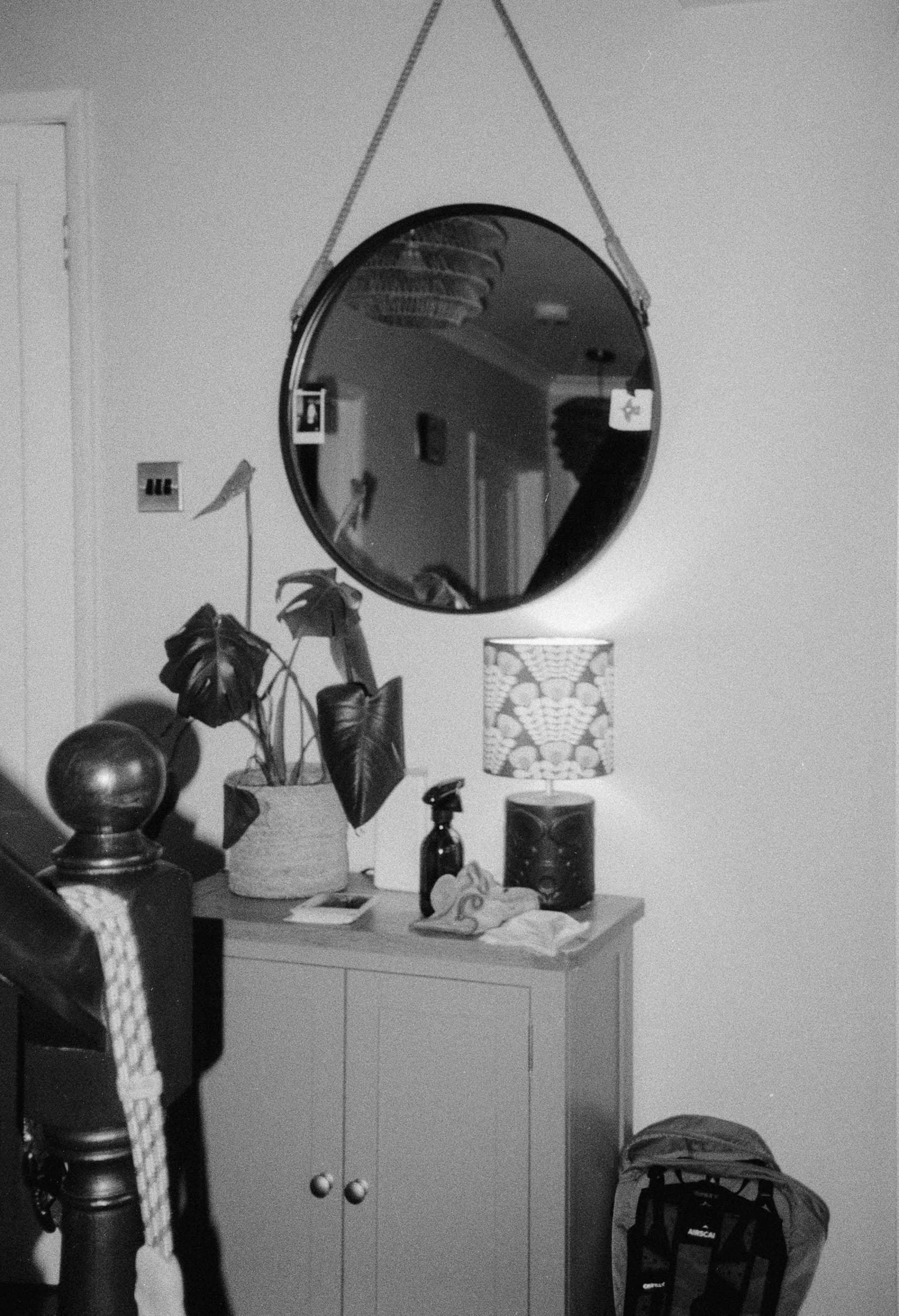
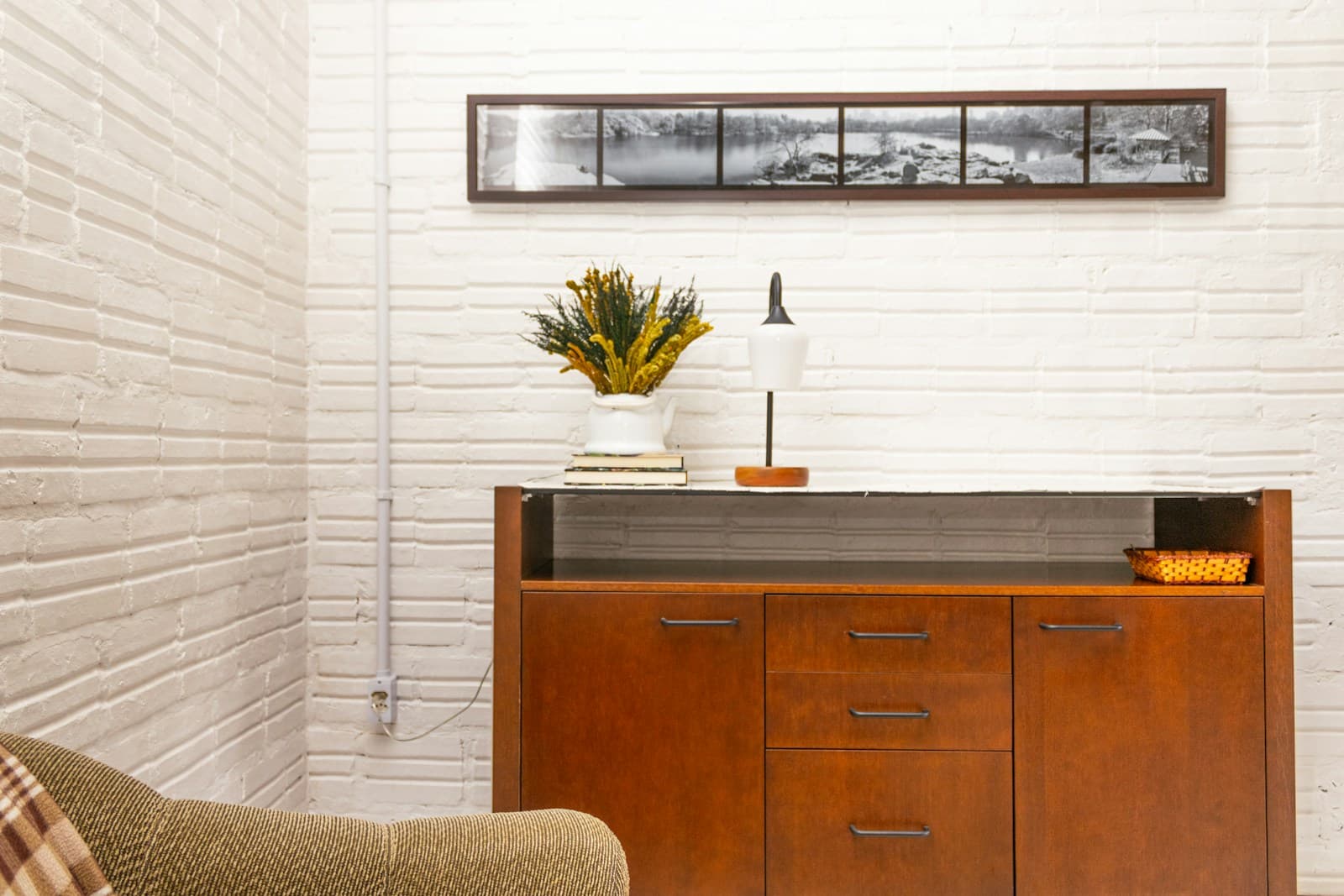
See how remedies look in real homes.

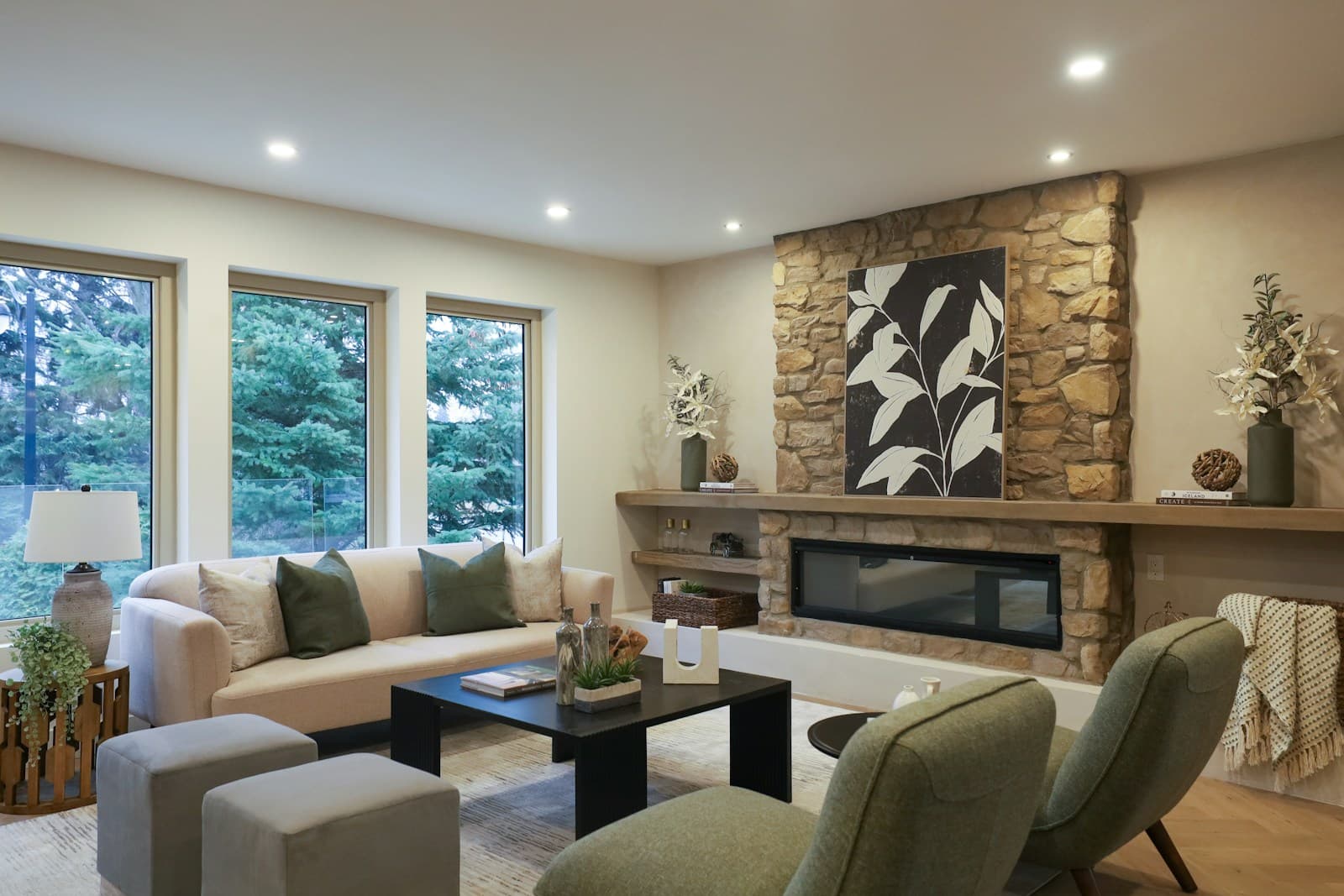
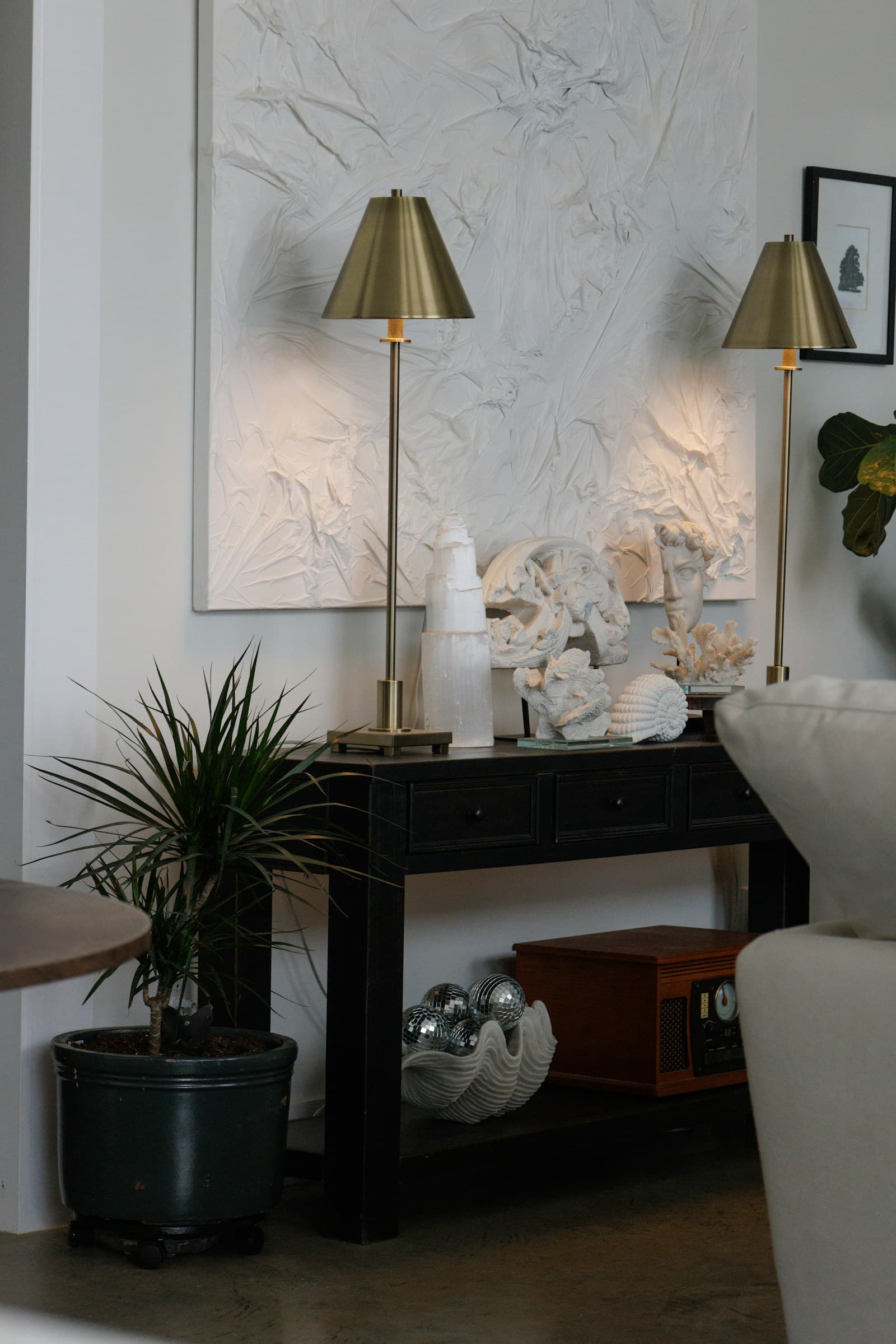
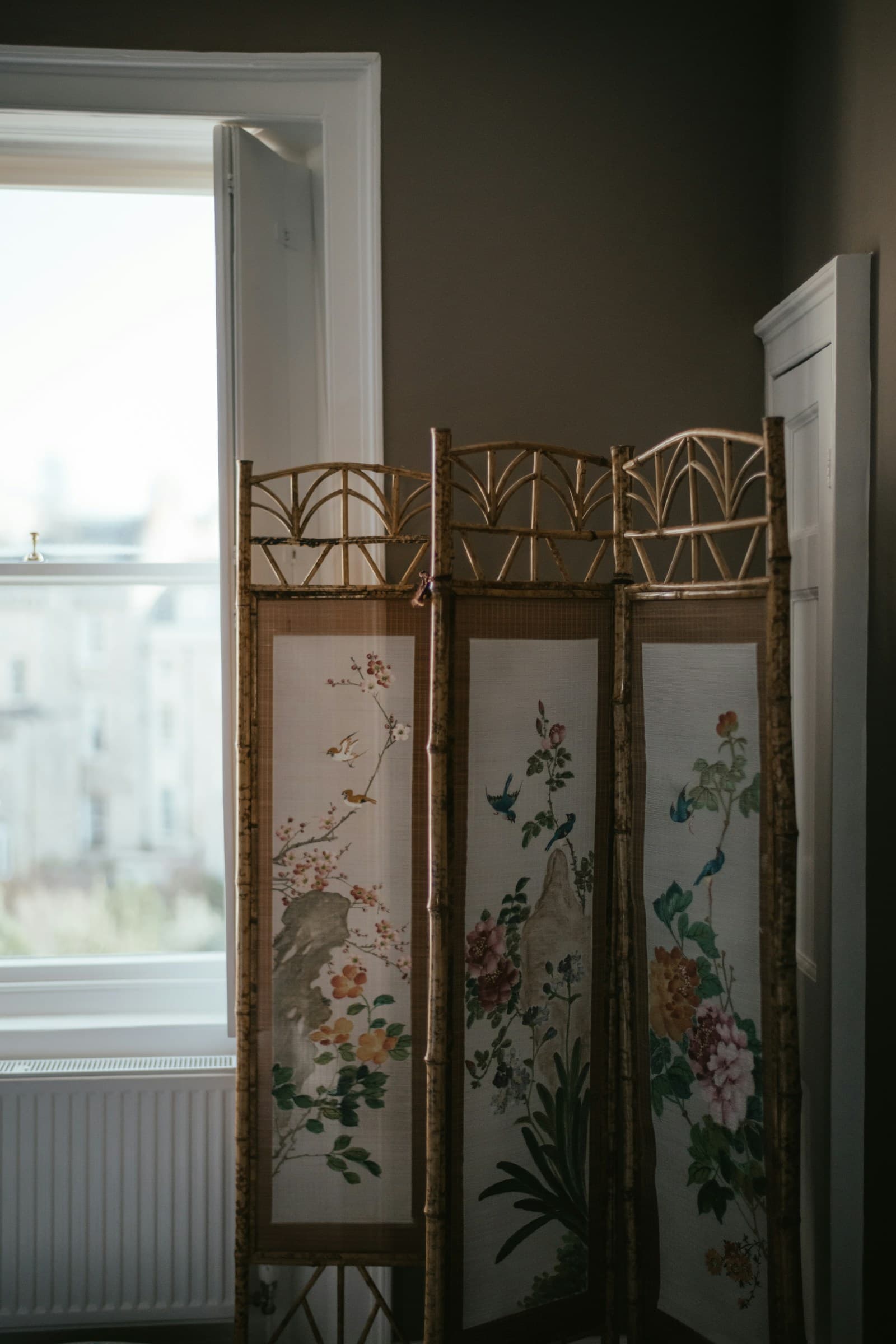
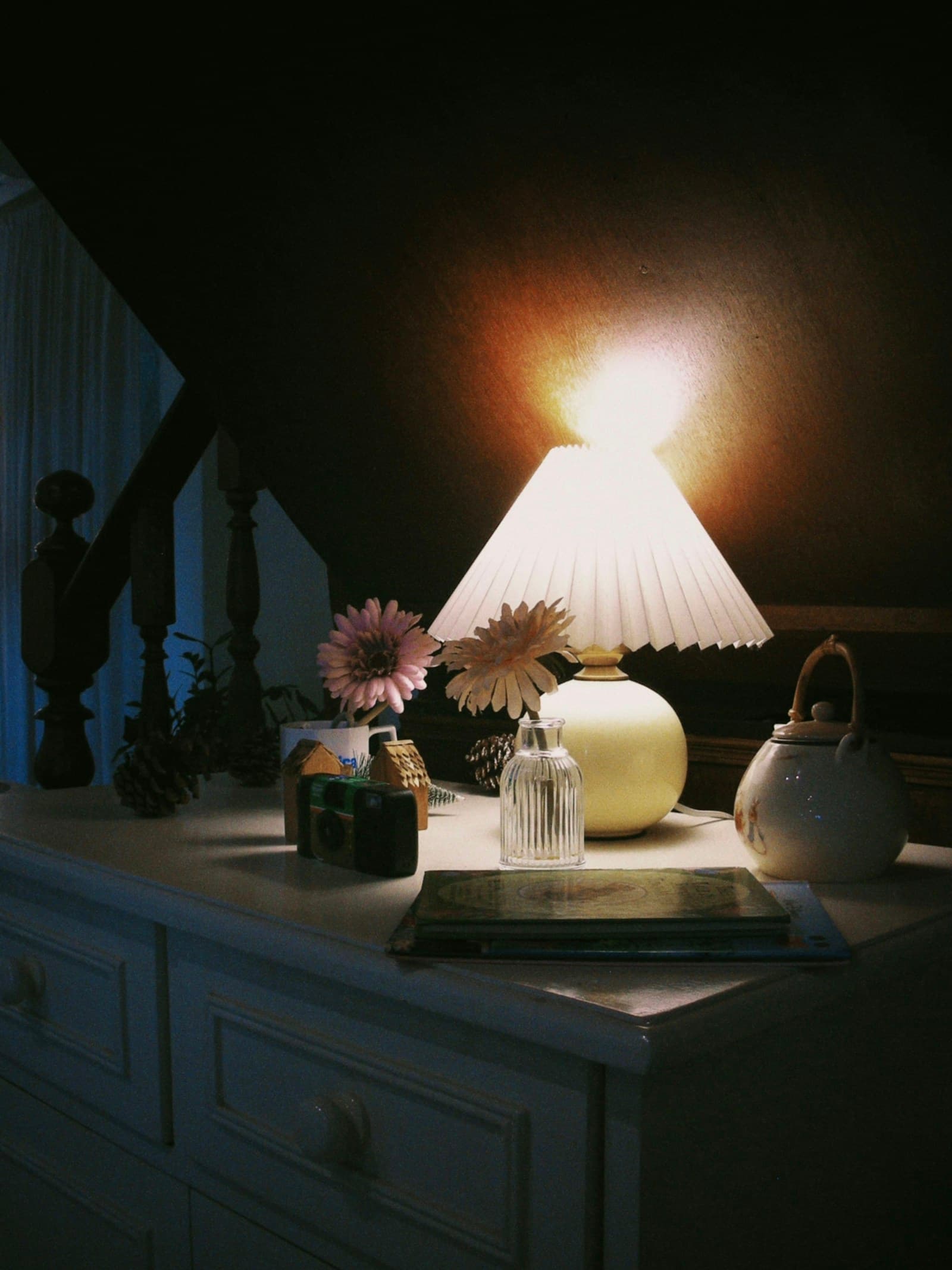
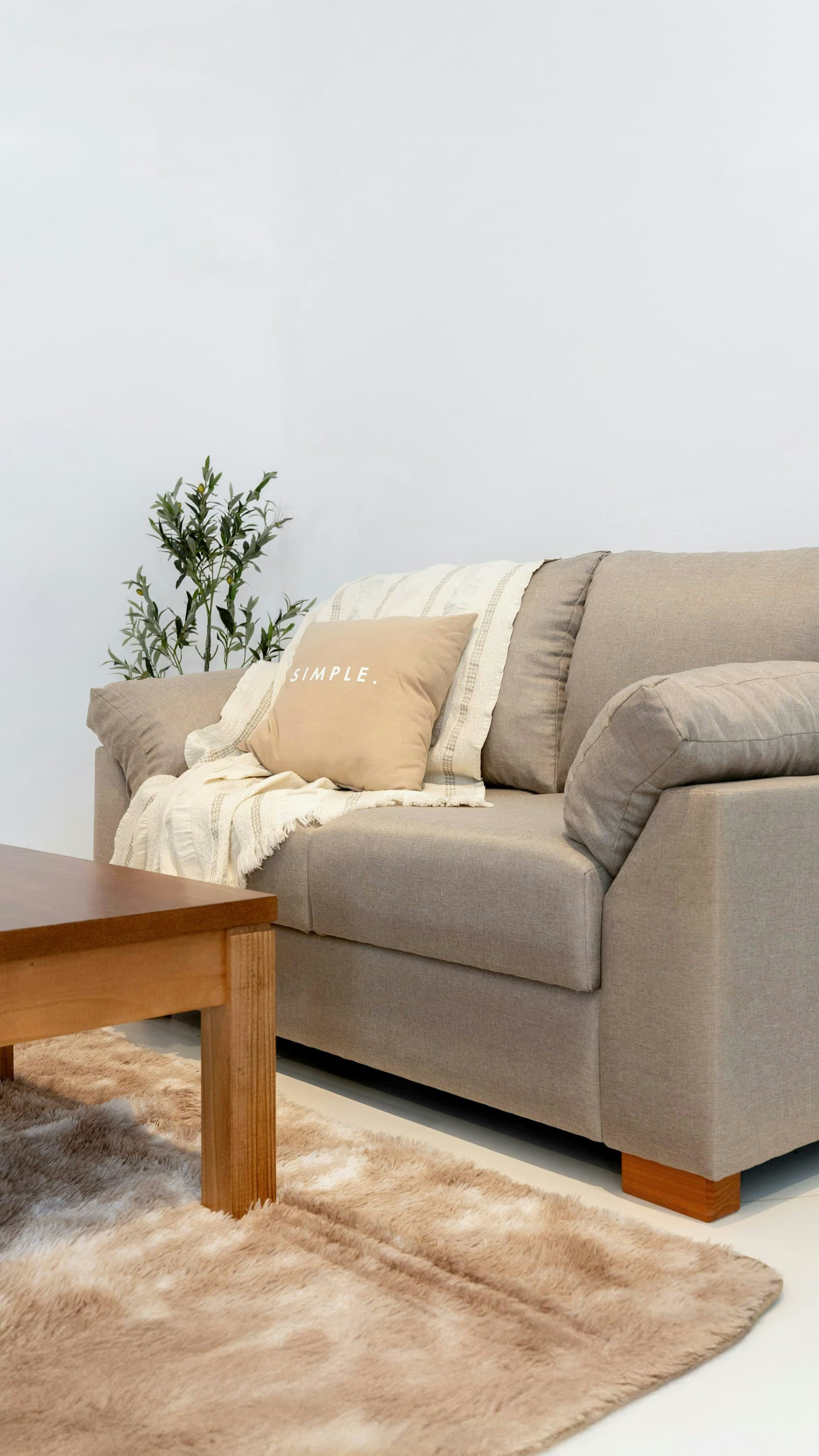
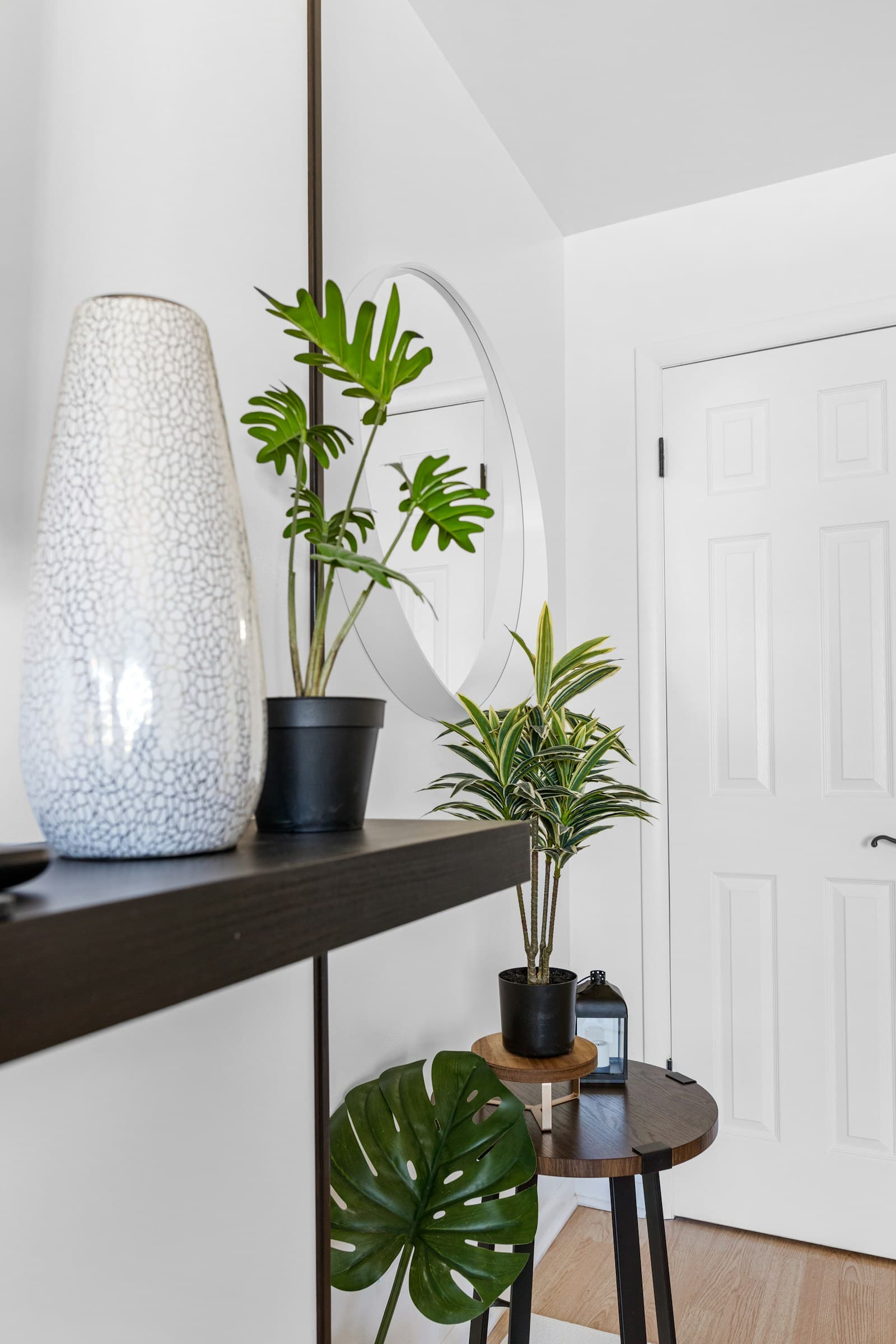
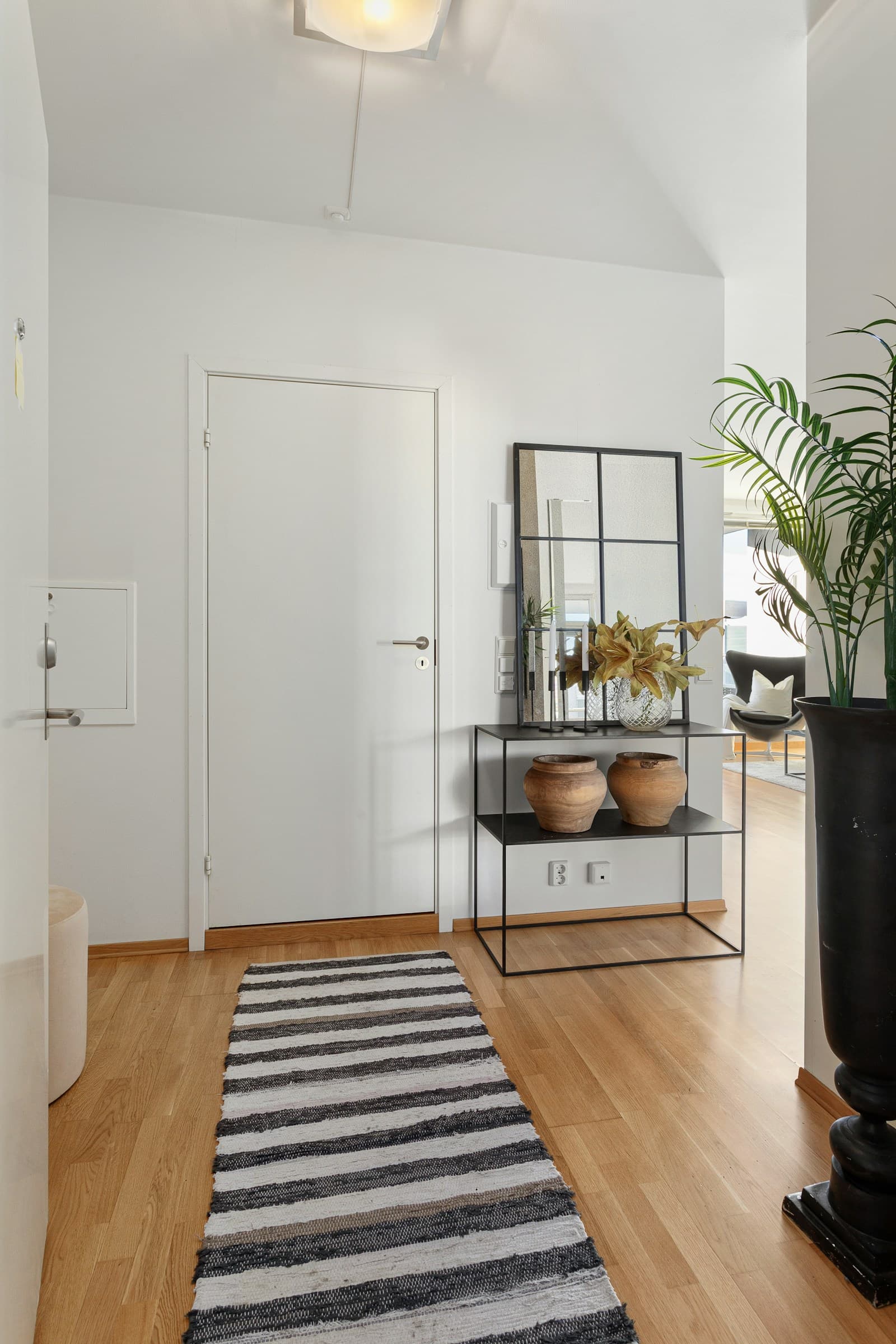
Start free. Unlock when needed.
No. You can mark everything directly in the nine-grid. Manual tracing stays on your device; if you choose AI recognition, the cropped plan is sent only for that analysis.
Usually not. The on-screen steps walk you through setting your home's orientation and front door. That said, if you can double-check with your phone compass or just step outside, it'll be more accurate.
A feng shui rule engine scores each sector and ranks the findings. AI then explains those results in readable language.
Assessment explains the main finding and previews other sections. Remedy adds detailed adjustments, a PDF, and follow-up questions about the report.
Some details depend on the actual space, such as a shared wall or the room a door opens into. We mark these as "possible" so you know what to check at home.
The core findings should stay the same. You might see slight differences in how things are worded or how much detail is included, but the main conclusions won't flip on you.
An in-person check can help if the shape is unusual, the orientation is unclear, or you need to confirm a detail the floor plan does not show.
English, Simplified Chinese, and Spanish.